
A walkthrough, start to finish
What happens when you download it
No lesson plan, no marking, nothing to print. Your child opens the app, picks a paper and answers ten questions. Here is the whole loop, from the download to the first streak.
 Try it before you download
A sample of all four subjects in your browser. No account, nothing to install.
Try it free
Try it before you download
A sample of all four subjects in your browser. No account, nothing to install.
Try it free
Free to download and get started
Then, one payment unlocks the full course material on every device. No subscription.
Free to download. One optional £19.99 unlock inside, never a subscription.
- Free to download
- Nothing for you to mark
- Works offline
 11 Plus Blocks

Ready when you are
6 of 10 questions today
5 day streak 128 blocks
Choose a course
Maths
English
Verbal Reasoning
Non-Verbal Reasoning
The first ten minutes
Eight steps, and only the first one is yours
You download it. After that it is your child, the phone and ten questions, and you can put the kettle on.
-
Download it, free
The app is free on the App Store, with Google Play to follow, and it opens straight into questions. There is no set-up screen and no email address to hand over. Signing in is optional, and only matters when you want the same purchase on a second device.
-
Pick a paper
Four tiles on the home screen: maths, English, verbal and non-verbal reasoning. Each opens into categories, then topics, and each maths and English topic comes in an easier and a harder set. A child stuck on fractions goes straight to fractions.
-
Answer ten questions
A topic is ten questions, tapped rather than typed. That is roughly ten minutes: short enough that finishing is the ordinary outcome rather than an achievement.
-
Read the tip
Every question explains itself the moment it is answered, right or wrong. The worked explanation is the part that replaces you sitting alongside with a red pen, and it is why nothing needs marking afterwards.
-
Lay a block
Each question studied lays one block, and the blocks stack into a tower on the home screen. It is the app’s single measure of work done, it is coloured by paper, and it never goes down.
-
Build a streak
Practise on consecutive days and a streak builds. It counts days, not hours, so ten minutes keeps it alive and there is nothing to be gained by grinding. Miss a day and it resets.
-
Find the friends
There are four characters to find, one for each paper, and each only grows when its paper does. A child who has only ever done maths is looking at three grey silhouettes, which is a far better argument for doing some English than yours.
-
Check progress
Every question answered is recorded by topic. You can see what is solid, what has never been touched, and the last few quiz scores. It sits in the app rather than arriving in your inbox, on purpose.
The bit that makes them come back
Blocks, a streak, and four friends to find
A workbook cannot give a child a reason to open it tomorrow. That is the one job the app has that paper does not.
Every question studied lays a block, and the blocks stack. Practise on consecutive days and a streak builds. Four characters are hidden behind the four papers, and each one gains a block as its paper is mastered, at 5%, 20%, 45% and the whole thing.
It is behavioural rather than decorative. Nothing rewards speed, nothing punishes a wrong answer, and nothing asks for a longer session. The only thing the app is really asking for is tomorrow.
2 of 4 friends found
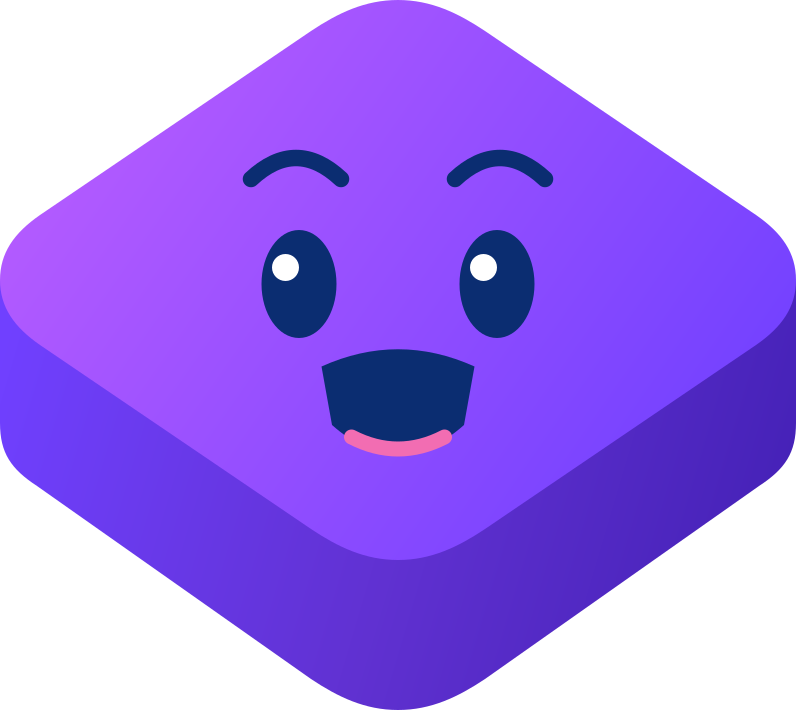

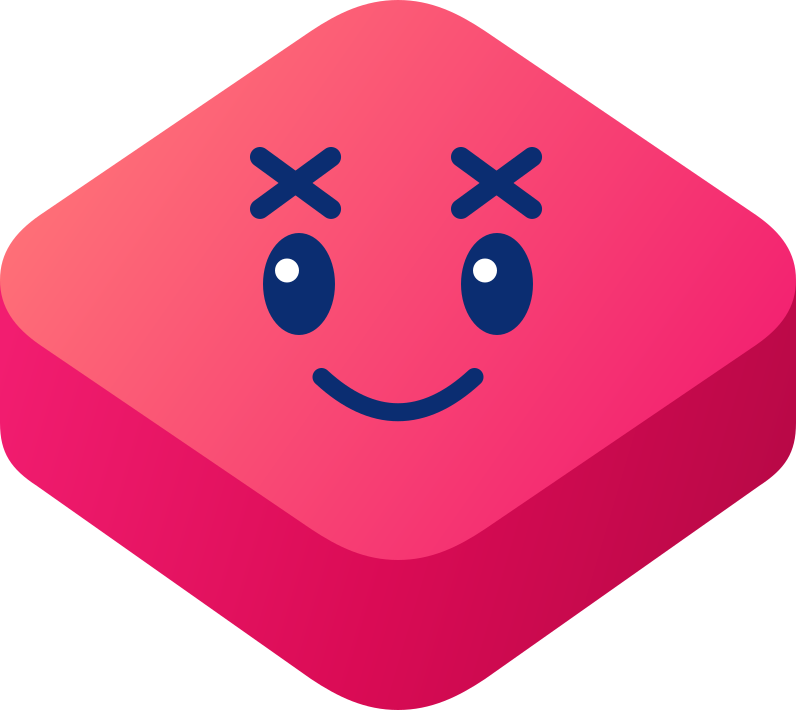
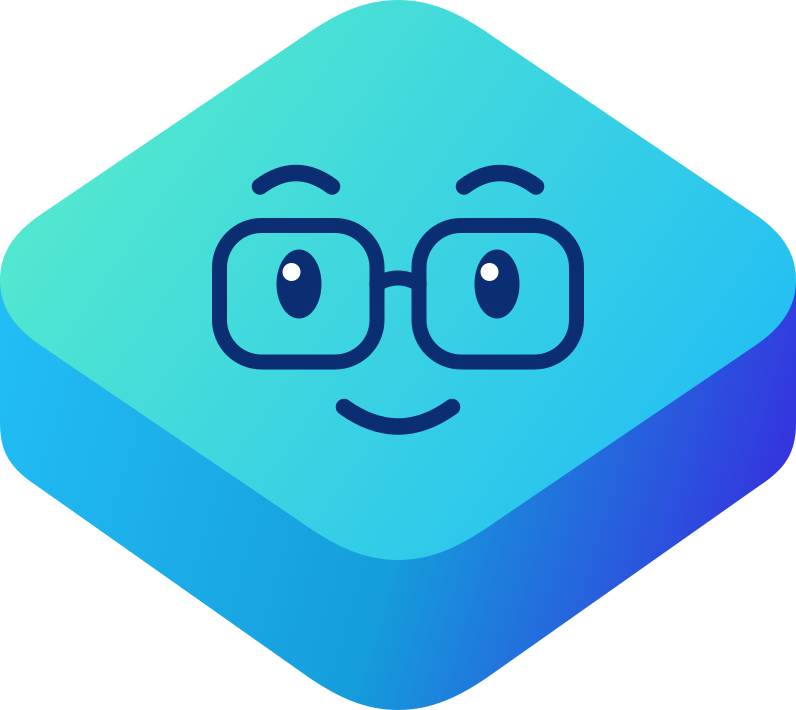
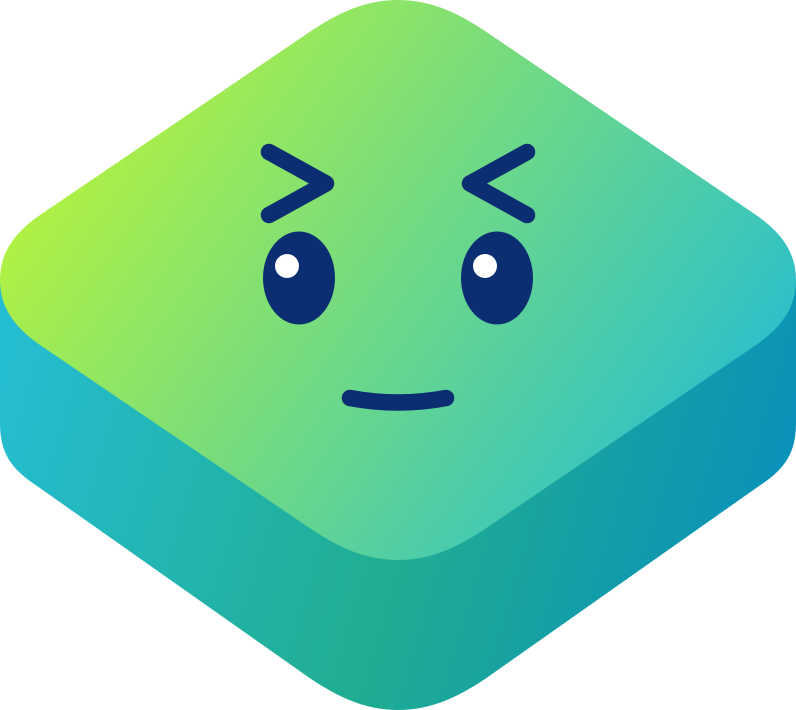
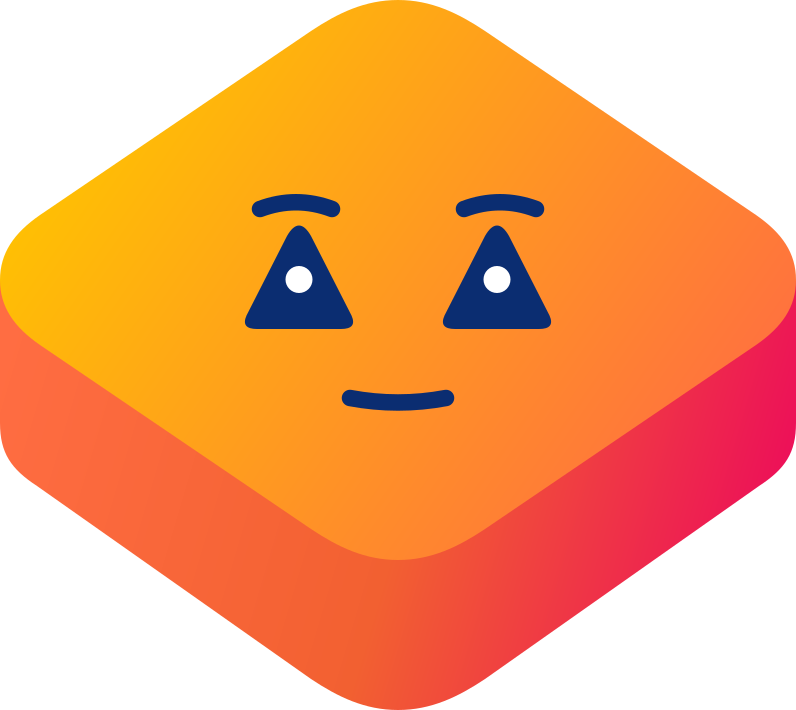
Each friend gains a block as its paper is mastered, at 5%, 20%, 45% and the whole thing. Blockie is the sum of the other four.
Your half of it
What you can see afterwards
You do not have to sit with them, and you do not have to take their word for it either.
Progress is recorded question by question and grouped by topic, so you can see which parts of maths are solid, which have never been opened, and what they scored the last few times they sat a quiz paper. It is a record of what has actually been done, not a percentage of a syllabus nobody publishes.
It lives in the app rather than in an email to you, because a child who knows a report is going to a parent stops answering honestly.
Topics mastered
Maths
7/12
English
2/5
Verbal
1/4
Non-verbal
0/4
Three weeks of maths, and English barely touched. That is the conversation the screen is there to start.
What it asks of you
Almost nothing, and that is the design
Nothing to mark
Answers are tapped and marked instantly, and every one explains itself. There is no answer key to look up and no red pen.
Works offline
The questions live on the device, so a car journey, a train or a plane all work. Progress syncs when you are back online.
No ads, nothing sold on
No advertising and no third-party trackers, in an app used by nine to eleven year olds on their own.
What is in there today
The content behind the ten questions
All four papers are complete courses, taught topic by topic, both at an easier and a harder level. Verbal and non-verbal reasoning are tested throughout the quiz papers as well. See what is inside.
Try more before you download
A sample of all four subjects in your browser. No account, nothing to install.
Try it free
Free to download and get started
Then, one payment unlocks the full course material on every device. No subscription.
Before you download
How long does one session take?
About ten minutes. A topic is ten questions and there is no timer. Nothing in the app pushes for a second session, because the streak counts the day rather than the hour.
Does my child need an account?
No. The app opens into questions with nothing to set up. Signing in exists so a purchase can travel to a second device, and it can be done later or never.
What happens when they get one wrong?
It is marked wrong, the tip explains the method, and they carry on. Nothing is lost, no mark is deducted and no report goes anywhere. Getting it wrong and reading why is the part that teaches.
Do I have to pay before we can try it?
No. Free to download. One optional £19.99 unlock inside, never a subscription. You download it, your child does some questions, and you decide afterwards whether it suits them. There is nothing recurring to cancel.
Ten minutes tonight
Hand your child the phone and see whether they finish the first ten questions without being asked. That is the only test of any of this that matters.
Try it before you download
A sample of all four subjects in your browser. No account, nothing to install.
Try it free
Free to download and get started
Then, one payment unlocks the full course material on every device. No subscription.
iPhone and iPad. Also on Google Play for Android. Practising on a laptop instead? The web platform.